Warden is not only matching files. When it finds a listing of one of your designs, it compares the seller against your own customer records. Where it finds a match, it says what that customer is entitled to and whether the entitlement was in force when the listing was investigated.
A seller with an active entitlement that grants what they are doing is covered for that rule, and Warden says so. A seller Warden cannot match is not reported as unauthorized, because Warden holding no record of a permission does not establish that none was given. A private agreement or a reseller arrangement leaves no row anywhere.
Seven facts, kept apart
Warden refuses to collapse these into one answer, and that refusal is what makes the answers it does give worth trusting.
| Fact | Where it comes from |
|---|---|
| The credential is real | The issuer made it and has not withdrawn it |
| The entitlement's state | What the issuer last told Warden, and when |
| What the entitlement grants | Explicit capabilities, named by someone who would know |
| Who holds it | A name the issuer chose to publish |
| Where they say they sell | Registered by the holder, or hosted by the issuer. Never verified |
| Your policy | Your versioned rules |
| What a listing does | Observed by a scan, judged rule by rule |
There is no verified or licensed flag anywhere, and nothing computes one. A seller can hold an
active entitlement that grants physical sales and, on the same listing, be in possible conflict
with your rule on renders. Both readings are shown, and neither moves the other.
Three ways a record gets in
All three produce the same records, and an investigation never asks which way a record came in.
By integration. Your backend holds a key and reconciles your whole membership, as often as you like. See the quickstart.
By hand. Record one member in the app, or paste a list.
By the customer. A customer adds where they sell, through an invitation you issue.
Your plan decides which of these you have. Starter records a few licensed sellers by hand, typed in or pasted. Records from your own system, invitations, public license pages and storefront monitoring are on Creator and Studio.
In the app
Commercial is where these records live. It opens with how many members you hold, how many are active and how many Warden can compare with a listing, and a short list of the ones that need a look: a storefront registered to more than one member, a member with nowhere Warden can compare, or a record your integration has stopped keeping current.
Under that are your members, every credential you have issued with its state, storefront monitoring, which is off until you turn it on, and registration grace, the number of days a new seller has to register. The last of the ways to add a member, Through your integration, links to the page where an admin makes a key.
What a capability is
Your provider's tier and status words are yours, and Warden does not read them. "Commercial", "Merchant" and "Tier 3" mean whatever your system means by them. A capability is the other half of that refusal: somebody who would know said, explicitly, that this entitlement grants this thing.
The list is closed. Today it has one value:
| Capability | Grants |
|---|---|
physical_sales | Selling printed copies of your designs |
A capability and a state are separate facts. Your records say what an entitlement grants and, separately, whether it is in force, and Warden never derives one from the other.
What it changes in an investigation
One rule reads entitlements today: selling printed copies, where your policy permits it to an entitled customer. When Warden links a seller to one of your customers, that rule reads:
| The customer's entitlement | The rule reads |
|---|---|
| Grants physical sales, active | Covered |
| Grants physical sales, not active | Possible conflict, where the design is yours |
| Grants physical sales, state unknown | Needs evidence, and says the status was never explained |
| Grants nothing Warden reads | Needs evidence |
Covered means one rule is covered. It is the only reading that clears anything, and it clears that rule alone.
The entitlement is read as it stood when the investigation ran, so an investigation shows what was true then rather than what the record says now.
Triage never reads what an entitlement grants. Whether a shop matches one of your customers, and whether that membership is active, can be part of why a listing reaches you (see Review). Otherwise the same listing is sorted the same way with and without a covering entitlement, so an entitlement adds context to what you see and never decides it.
The public page
Every member with a credential has a page at /verify/<public id>. The id is minted by Warden,
is not your customer id, and never changes through lapse, reactivation or withdrawal.
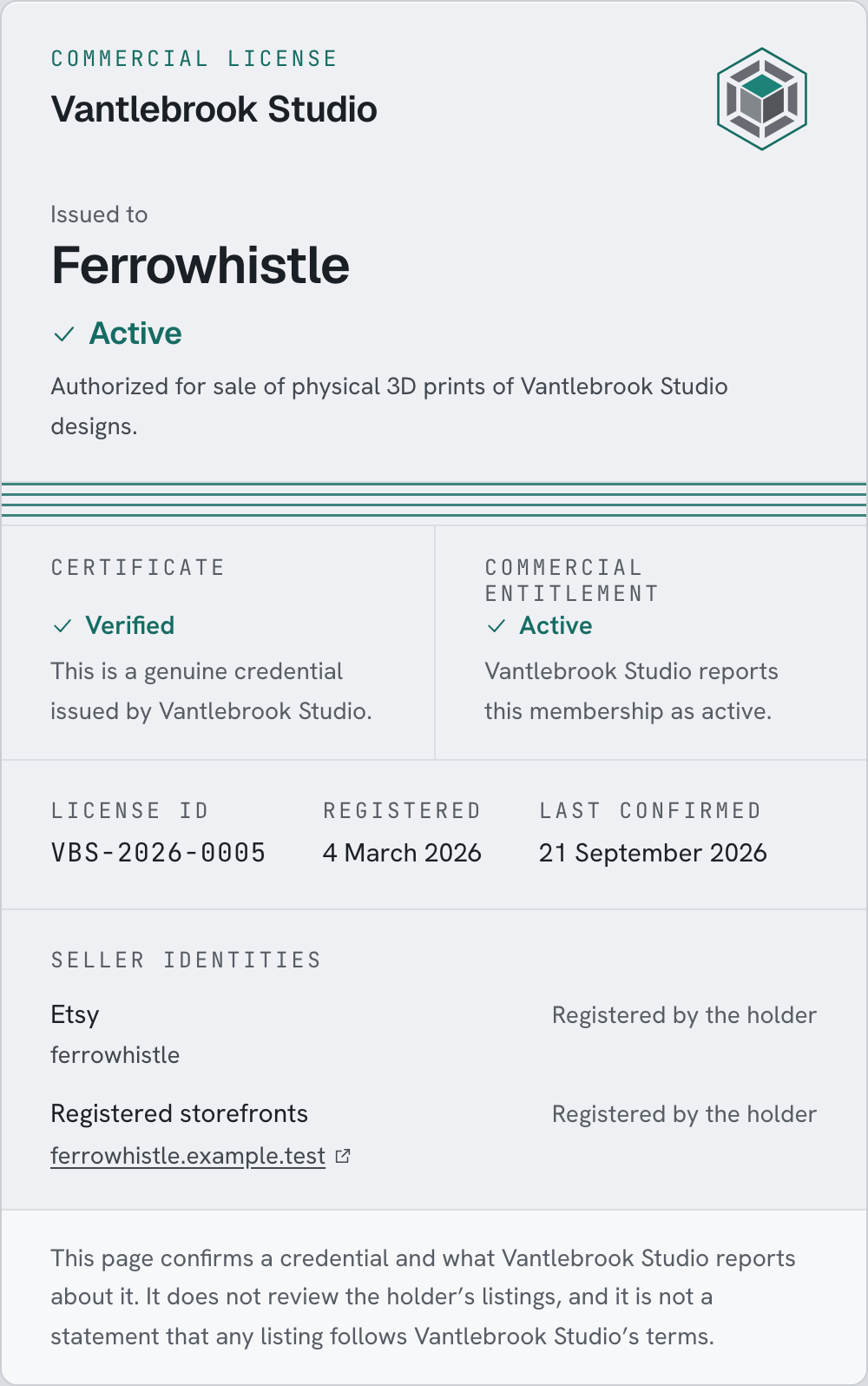
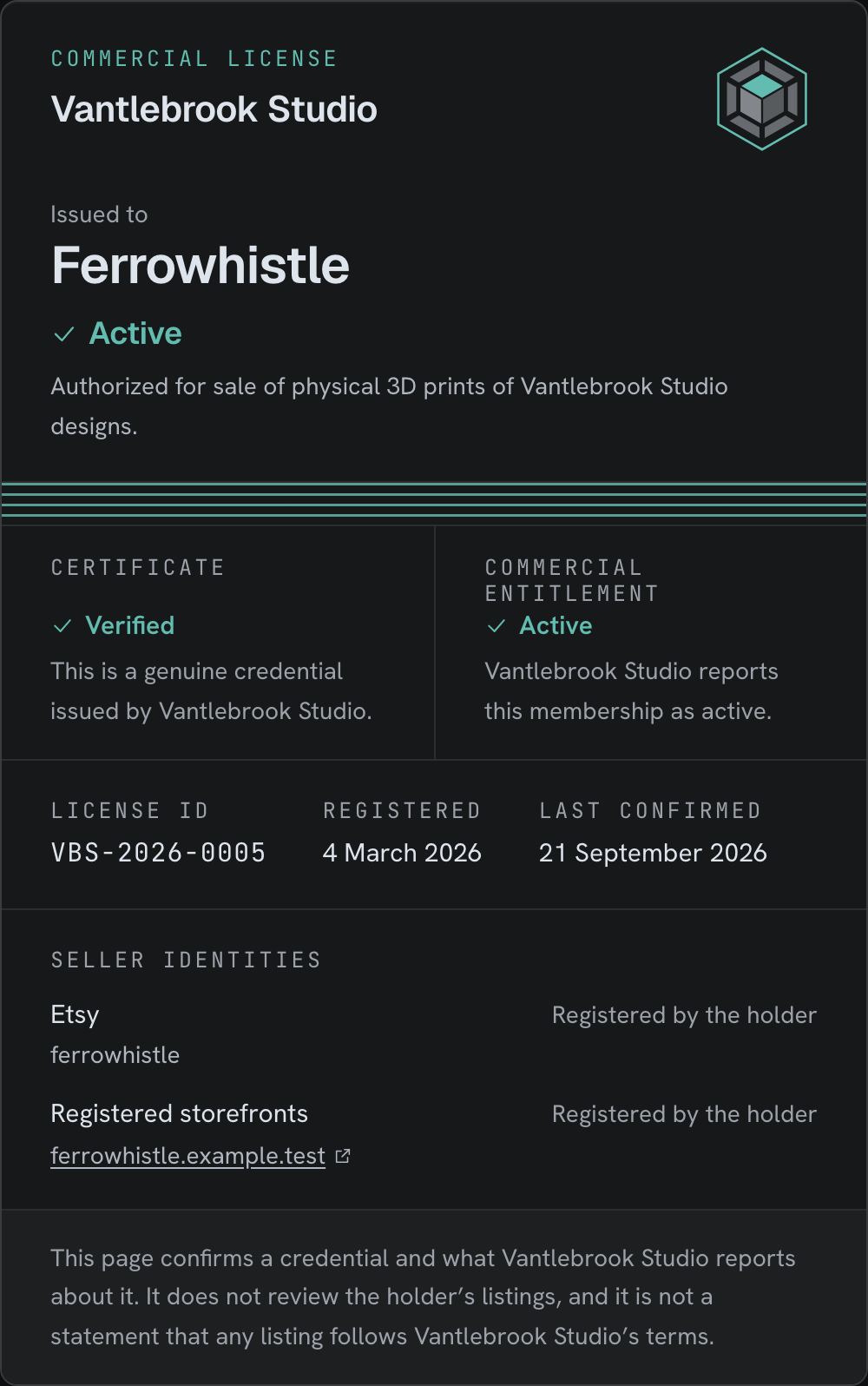
Where your organization has a logo, set under Organization, it sits at the top of the page beside your name, and Warden appears only at the foot.
The page shows two rows, because they are two facts:
| Row | Says |
|---|---|
| Certificate | Verified, or Withdrawn |
| Commercial entitlement | Active, Not active, or Current status not verified |
A lapsed member's printed code still resolves, to a genuine certificate on a membership that is not active, and lists none of their storefronts until the membership is active again. A member your system erased, or one you removed in Commercial, resolves to a page that says the credential is no longer published and names nobody. The page never calls a storefront verified and never says the holder follows your terms. The verification page has every state it can show and what it leaves out.
Four things Warden refuses to do
Each is a place where a weaker product would give an answer.
A provider's status word is never interpreted. It is kept as written and quoted as yours. "Inactive" covers an expired subscription, a revoked registration, somebody who never subscribed and a tier bought separately, and Warden does not guess which.
A storefront registered to two customers reads ambiguous. Warden picks neither.
A seller Warden could not compare is never reported as unmatched. That is a gap in Warden, not a fact about the seller, and it is shown as one.
Current state can refuse an outbound action and never authorize one. A customer's active entitlement can stop a message. It can never make one possible that the investigation refused.
Coming soon
Warden does not connect to a membership platform directly. Records reach it from your own server, by hand, or from a list you paste in.
Nothing proves that a storefront belongs to the member who registered it. Warden shows what they registered and says on the page that this is all it is.
There is no certificate file to download or print. The page at the address is the credential.
Nothing leaves Warden when a record changes. Your own systems are not notified, and there is no webhook to subscribe to.